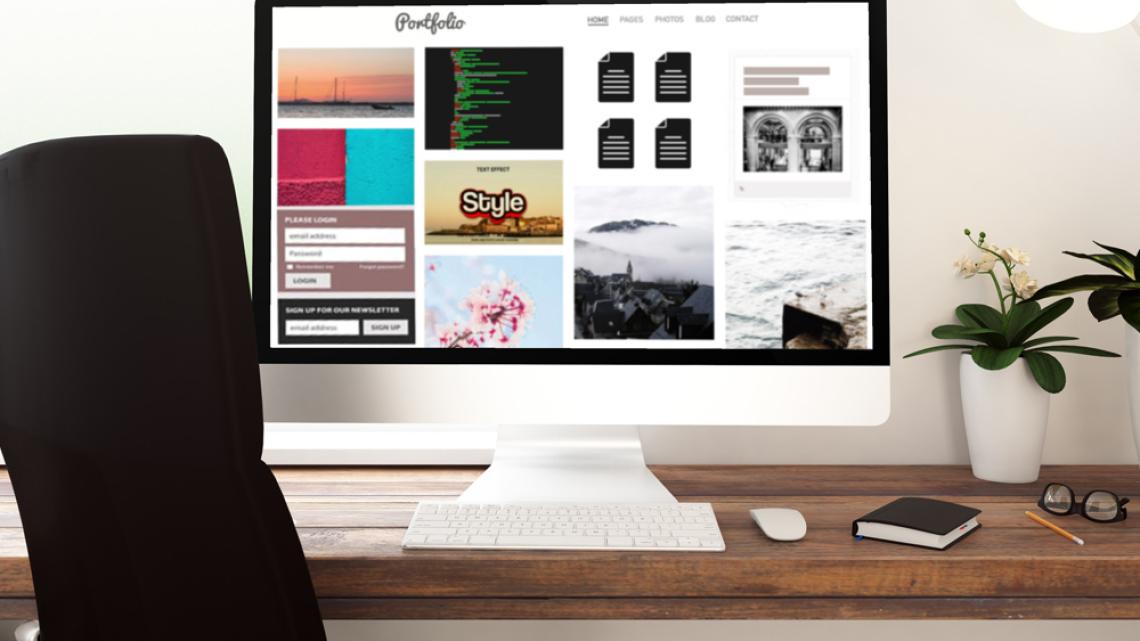
In today’s digital-first academic and professional landscape, having a strong online presence matters more than ever. Employers, graduate admissions committees, and collaborators increasingly want to see evidence of what you can do—not just a résumé that lists responsibilities. That’s where an ePortfolio comes in. If you’ve ever wondered what is an ePortfolio, why it matters, or how to create an ePortfolio that actually makes an impression, you’re not alone.
An ePortfolio (short for electronic portfolio) is a curated, digital collection of your work, skills, and achievements. It’s not just for artists or designers. Professionals and students from engineering, technology, business, science, and many other fields can benefit. More than a static website, it tells a story about who you are as a learner and professional. For NJIT students and alumni, an effective ePortfolio can highlight technical expertise, research projects, applied learning experiences, and career readiness in a way that aligns with the expectations of today’s employers and graduate programs.
This guide walks through how to create an electronic portfolio step by step—from defining your purpose and choosing the right platform to organizing content and optimizing it for visibility. By the end, you’ll have a clear framework for creating an ePortfolio that is polished, professional, and ready to share.
What Is an ePortfolio?
Before diving into the process, it helps to start with the basics. What is an ePortfolio? An ePortfolio is a digital collection of work that demonstrates your knowledge, skills, and growth over time. It often includes:
- Academic projects and assignments
- Professional work samples
- Research, publications, or presentations
- Certifications and technical skills
- Reflections that explain your learning process
Unlike a résumé, which summarizes experience in a fixed format, an ePortfolio provides context. It shows how you think, how you solve problems, and how your skills apply in real-world scenarios.
For students in technology, engineering, design, business, and other applied fields, ePortfolios are especially valuable. They allow you to demonstrate competencies visually and interactively, which is an increasingly important expectation in competitive job markets.
Why Creating an ePortfolio Matters Today
Creating an ePortfolio is no longer optional for many students and professionals. In fact, it’s a strategic advantage. Employers increasingly screen candidates online, and graduate programs often request work samples as part of the application process.
An impressive ePortfolio can help you:
- Stand out in job applications by showcasing real work
- Demonstrate practical skills beyond grades and credentials
- Reflect on your learning and professional growth
- Build a professional digital identity you control
For online and hybrid learners in particular, ePortfolios bridge the gap between virtual coursework and tangible outcomes. They provide proof of engagement, collaboration, and applied learning. These are qualities employers consistently seek.
Step 1: Define Your Purpose and Audience
The first step in making an ePortfolio is deciding why you’re creating it and who it’s for. Your purpose will guide every decision that follows, from content selection to design.
Ask yourself:
- Is this ePortfolio for job applications, graduate school, or both?
- Am I targeting a specific industry or role?
- Do I want to highlight technical skills, creative work, or research?
For example:
- A software engineering student may focus on coding projects, GitHub repositories, and problem-solving examples.
- A digital design student may emphasize visual projects, user research, and process documentation.
- A graduate school applicant may prioritize academic work, research, and reflective writing.
Clarifying your audience ensures your ePortfolio feels intentional rather than overwhelming.
Step 2: Choose the Right Platform
Once you know your purpose, the next step in how to create an electronic portfolio is choosing a platform. The best platform is one that aligns with your goals, technical comfort level, and long-term plans.
Common ePortfolio platform options include:
- University-supported platforms (often provided to students)
- Website builders like WordPress, Wix, or Squarespace
- Professional platforms such as GitHub (for developers) or Behance (for designers)
When evaluating platforms, consider:
- Ease of use and customization
- Ability to embed media (videos, code, interactive elements)
- Long-term access after graduation
- Professional appearance and domain options
The platform itself matters less than how effectively you use it to present your work.
Step 3: Decide What to Include in Your ePortfolio
A common challenge when creating an ePortfolio is deciding what not to include. An effective ePortfolio is curated, not comprehensive.
Core sections most ePortfolios include:
About Me
This section introduces who you are and what you do. Keep it concise and professional, focusing on your academic background, interests, and career goals.
Resume or CV
Include a downloadable résumé or a summarized version that complements—not duplicates—your portfolio content.
Projects and Work Samples
This is the heart of your ePortfolio. Each project should include:
- A brief description of the problem or goal
- Your role and responsibilities
- Tools or technologies used
- Outcomes or results
Skills and Certifications
Highlight technical, analytical, and soft skills, along with certifications or training that support them.
Reflection and Context
Reflection sets strong ePortfolios apart. Brief explanations of what you learned, challenges you faced, and how you grew help reviewers understand your process.
Step 4: Organize Content for Clarity and Flow
How you organize your content is just as important as what you include. Clear navigation improves usability and keeps visitors engaged.
Best practices for ePortfolio structure:
- Use simple, intuitive menu labels
- Group related projects or skills together
- Limit top-level navigation items to avoid clutter
- Ensure visitors can find key information within one or two clicks
Logical organization demonstrates professionalism and respect for your audience’s time—qualities employers notice.
Step 5: Focus on Design and Visual Consistency
While content is king, design still matters. An ePortfolio should look polished without distracting from your work.
Design tips for making an ePortfolio stand out:
- Use a clean, readable font
- Stick to a consistent color palette
- Use white space to improve readability
- Ensure images and media are high quality
If design isn’t your strength, choose a simple template and let your work speak for itself. Consistency and clarity matter more than complexity.
Step 6: Write Strong Descriptions and Captions
One of the most overlooked aspects of how to create an ePortfolio is writing. Strong descriptions help reviewers understand the significance of your work.
When describing projects:
- Avoid jargon unless your audience expects it
- Focus on outcomes and impact
- Use action-oriented language
- Quantify results when possible
For example, instead of listing tasks, explain how your work solved a problem or added value. This mirrors how employers evaluate candidates.
Step 7: Optimize Your ePortfolio for Search and Sharing
An ePortfolio is also a digital asset. Optimizing it ensures it’s easy to find and share.
Basic optimization tips:
- Use descriptive page titles and headings
- Write clear summaries for each section
- Include keywords naturally (such as your field or role)
- Test your portfolio on mobile devices
If appropriate, you can also connect your ePortfolio to LinkedIn or include it in your email signature to increase visibility.
Step 8: Keep Your ePortfolio Updated
Creating an ePortfolio is not a one-time task. The strongest portfolios evolve over time.
Make it a habit to:
- Add new projects or achievements regularly
- Remove outdated or less relevant work
- Update your goals and skills as they change
An up-to-date ePortfolio reflects continuous learning and adaptability—qualities that align well with NJIT’s emphasis on innovation and applied knowledge.
Common Mistakes to Avoid When Making an ePortfolio
Even strong content can fall flat if common pitfalls aren’t addressed.
Avoid these mistakes:
- Including too much content without curation
- Using vague or generic descriptions
- Neglecting grammar and proofreading
- Overloading pages with large files or media
- Forgetting to explain your role in group projects
Attention to detail reinforces credibility and professionalism.
How an ePortfolio Supports Career and Academic Advancement
For NJIT students and professionals, an ePortfolio complements both academic achievement and career development. It allows you to connect coursework to real-world applications, demonstrate readiness for advanced roles, and articulate your value clearly.
Final Thoughts: Start Creating Your ePortfolio with Purpose
Learning how to create an ePortfolio is an investment in your future. By understanding what an ePortfolio is, choosing the right platform, and thoughtfully curating your work, you can build a digital presence that grows with you.
At NJIT, students develop in-demand skills through rigorous, applied programs designed to prepare them for evolving industries. An ePortfolio helps bring that learning to life—showing employers and admissions committees not just what you’ve studied, but what you can do.
If you’re ready to take the next step, start creating an ePortfolio that reflects your goals, highlights your strengths, and positions you for success in today’s competitive academic and professional landscape. And if you're eager to begin this journey with NJIT, apply today!
